How many photos should you use on Hinge
Wondering how many photos to put on Hinge? Learn the range that works, what each photo should show, and why a weak extra shot costs you more than it adds.
Hinge asks for a minimum of six photos or videos to fill out a profile, though you can technically publish with fewer. That requirement matters because it changes the question. You are not deciding whether to post three or ten. You are deciding how to fill six slots without padding them with filler, and whether to stop there or add one or two more. For most people, six strong photos is the working target, and a seventh only earns its spot if it shows something the first six do not.
Think about who is looking. Someone scrolling through Hinge decides quickly whether to look closer, then reads further only if the first photo and a prompt hold their attention. Photos two through six get read by people who are already half interested. Their job is to answer the next questions: does this person look like their first picture, do they have friends, do they go outside, do they seem pleasant to be around. A fifth photo that repeats the same smile in the same room answers nothing new, and a reader who feels they have seen it all has no reason to say anything specific in a like or comment.
Timing and platform habits shift the picture. Hinge lets people like or comment on a single photo, so every image is a potential opening line for the other person. A photo with a visible detail, such as a dog, a half-finished mural, a trail sign, or a bowl of something you cooked, gives them something concrete to respond to. A plain mirror shot or a group photo where nobody can tell which one is you gives them nothing. If your profile has been live for months with no movement, the problem is usually the weakest photo in the first three slots, not a shortage of photos.
The usual backfires are easy to spot. People pad to reach six with old screenshots, cropped wedding photos, or pictures with an ex partially cut out. Others bury the best shot in slot four, so most viewers never reach it. Heavy filters create a different problem: the match shows up to the date and the gap is obvious in the first ten seconds. Sunglasses in several photos and a hat in the rest leave nobody sure what you look like. Fewer, clearer pictures beat a full set of ones that hide your face.
You can read the results fairly quickly. After a week or two of using a new set, notice which photo people mention when they comment, and whether your likes come from people who seem to want what you actually offer. If the comments cluster around one picture, move it earlier. If nobody ever refers to a particular photo, swap it for something with more going on. Treat the order and content as adjustable, because the first set you pick is rarely the best one.
Filling the six slots without padding
Start with a clear, recent photo of your face in decent light, because that one decides whether anyone keeps looking. Add a full body shot so nobody feels surprised later. Then use the remaining slots for distinct situations: you with friends, you doing something that takes skill or patience, you somewhere interesting, you in a dressier outfit. If you cannot find six that differ from each other, take an afternoon and shoot some new ones instead of reusing near duplicates. A person scrolling past six copies of the same expression learns less about you than one reading three varied frames.
Deciding if a seventh photo helps
Add more than six only when the extra picture shows something a stranger would be curious about and that the others leave out. A photo of you playing an instrument, volunteering, or traveling somewhere specific can earn a place because it prompts questions. A seventh pose in the same jacket does not. Check whether you could remove the photo and lose nothing. If so, remove it. Longer profiles also give people more chances to find something they dislike, so each added image should offset that risk with something worth reacting to.
Spotting your weakest photo
Ask a friend who will be blunt to point to the one they would skip. Then look at your profile on a small screen, because details that seem fine on a laptop vanish on a phone. The weakest photo is usually dark, cropped awkwardly, or shows you far from the camera. Replace it with something simpler, even a plain daytime shot by a window. Also check the first three slots in particular, since those get seen by almost everyone. A strong sixth photo helps less than fixing a mediocre second one.
What not to send
“Hey, I only have four photos and I know Hinge wants six, is that okay?”
It asks permission instead of showing the work, and four photos with a clear job each is a better question to test than hand wringing about a count.
“I added three more shots from the same night out so I would hit six.”
Filling slots with near duplicates reaches the number without adding anything a viewer has not already seen.
“My best photo is in slot five because I want people to scroll for it.”
Most people decide on the first photo and rarely reach slot five, so the picture that should hook them goes unseen.
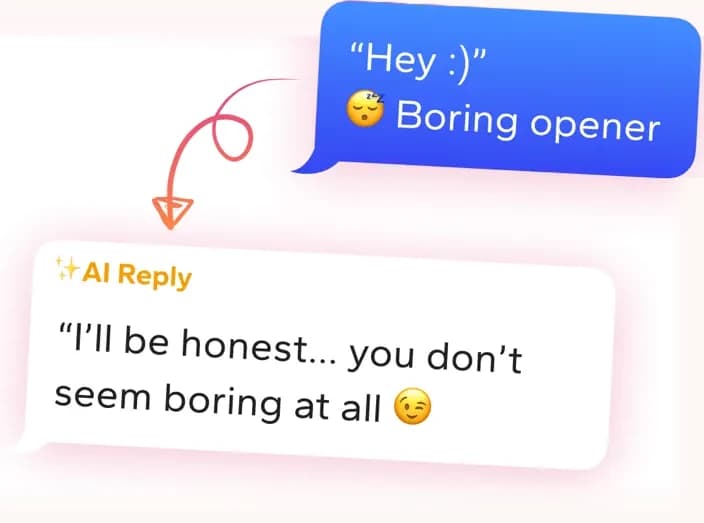
Get replies that sound like you
Screenshot the conversation in WingAI. It reads the vibe and gives you natural replies for this exact situation.
Try for freeHinge AI Screenshot the prompts and get a comment written for that profile.
Frequently asked
- How many photos does Hinge require?
- Hinge asks you to fill six slots with photos or videos to complete a profile. You can have more than six, but the app nudges you to reach that count. Aim for six that each look different from one another rather than stretching a few good shots across duplicates.
- Can I use fewer than six photos on Hinge?
- You can often publish with fewer, but an incomplete profile gives people less to react to and fewer ways to start a conversation. Three clear, varied photos beat six repetitive ones, though filling the rest with real new situations usually helps you more than leaving them blank.
- Is it bad to have more than six photos?
- Not automatically, but each extra photo has to show something the others do not. A seventh picture that repeats a pose or setting adds length without interest and gives viewers another reason to lose focus. Keep it only if it sparks a question or a comment.
- Which photo should go first on Hinge?
- Put a recent, well lit photo where your face is clearly visible and you look like yourself. Most people decide from that image alone, so avoid sunglasses, heavy filters, or groups where you are hard to find. Save the more specific or quirky shots for the slots after it.
Real user feedback
“I'm busy and half the profiles give you almost nothing to work with. WingAI gets me a solid first line fast without me staring at the screen for ten minutes.”
Ralph
“I was skeptical at first. Then I tried it on a dry chat and the replies actually sounded like me, not a chatbot.”
Mazoonx
Mistakes to avoid
- Reaching six photos by repeating the same outfit, room, and smile across several slots instead of showing different parts of your life.
- Hiding your clearest, best photo in a late slot, where most viewers never scroll far enough to see it.
- Leaving in a blurry, dark, or cropped photo just to hit the count when a missing slot would hurt less.
Get replies that sound like you
Screenshot the conversation in WingAI. It reads the vibe and gives you natural replies for this exact situation.
Try for free